Gistr Technologies
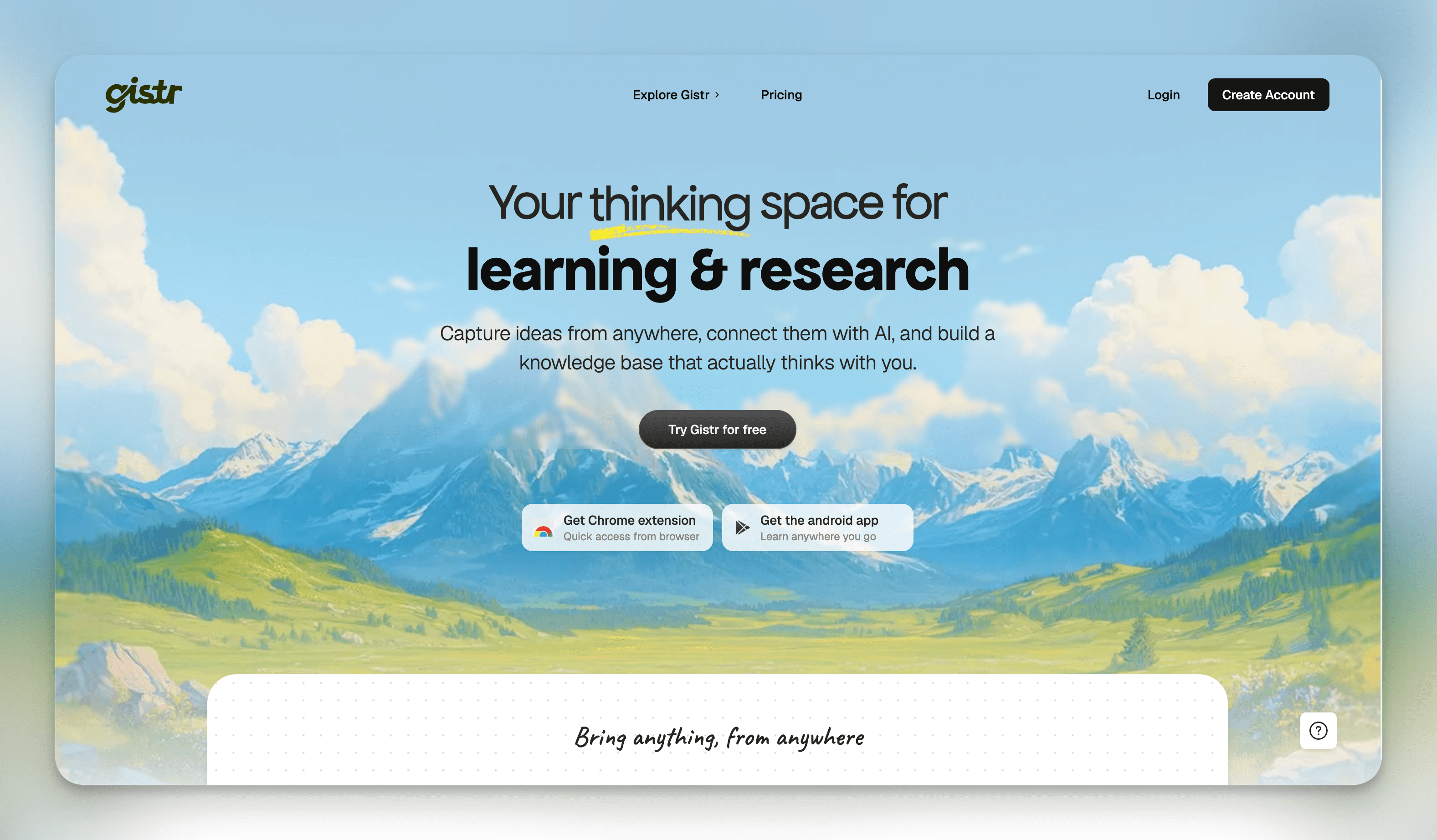
Gistr is an AI knowledge workspace — not a chatbot. You add sources (PDFs, podcasts, web pages, EPUB, DOCX, PPTX) and Gistr builds a context-aware thread for each one. Inside each thread: smart questions, AI toolkits, response editing, highlights, notes, and export. The goal is to let you think inside the source, not copy it into a separate tool.
File Ingestion & Source Processing
Each source type has a completely different structure — a podcast is not a PDF. Built separate extraction and chunking paths per format so the AI always gets clean, queryable context.
- –PDF text extraction, page chunking, and OCR support for scanned documents
- –EPUB and MOBI parsing — navigating spine, chapters, and metadata
- –DOCX and PPTX content extraction (text, headings, slide content)
- –Markdown and TXT ingestion with frontmatter awareness
- –Web page scraping with content cleanup and noise removal
- –Podcast feed parsing and audio transcript handling
Pricing System
Designed and built the full billing stack — from the credit engine in the backend to the pricing UI and plan enforcement on the frontend.
- –Credit-based billing backend in NestJS — tracks usage, deducts on actions, handles top-ups
- –Dodo Payments integration for subscriptions and one-time purchases
- –Frontend pricing page with plan comparison and upgrade flows
- –Plan restriction enforcement — feature gates, usage locks, and upgrade prompts across the product
Background Infrastructure
Heavy operations like file processing and AI generation can't block the request cycle. Set up the async job layer and analytics to handle this cleanly.
- –BullMQ job queues for file ingestion, AI response generation, and export tasks
- –Job retry logic, failure handling, and queue monitoring
- –PostHog integration for user interaction tracking, funnel analysis, and feature usage insights
Profile & State Management
Built the user profile dashboard — the identity layer of the product — with complex editing flows and real-time state.
- –Profile editor with real-time state management across multiple editable fields
- –Avatar upload, metadata, timezone, and preference management
- –Dashboard showing credit usage, plan status, and activity
Core Product Features
Contributed to most of the active features inside the knowledge workspace — the things users actually spend their time in.
- –Smart questions and AI toolkits (guided prompts per source type)
- –Auto-highlight and select-ask (highlight text → ask AI about it)
- –Chapters and timestamps for navigating long documents
- –Highlights, PDF annotations, and note editor
- –Easy follow-ups and moments (save key AI exchanges)
- –Language translation for AI responses
- –YouTube screenshots for video sources
- –Export as PDF, image, or Markdown
- –Source in context — AI always knows which source it is reading